Upscale images with AI in Smart 3D. Improve sharpness, detail and resolution for renders, textures, product images and visual assets.
Open a concise overview of AI image upscaling, common questions and related Smart 3D workflows.
Upscale images with AI in Smart 3D. Improve sharpness, detail and resolution for renders, textures, product images and visual assets.
Clear answers about the workflow, common use cases and what to expect from this Smart 3D tool.
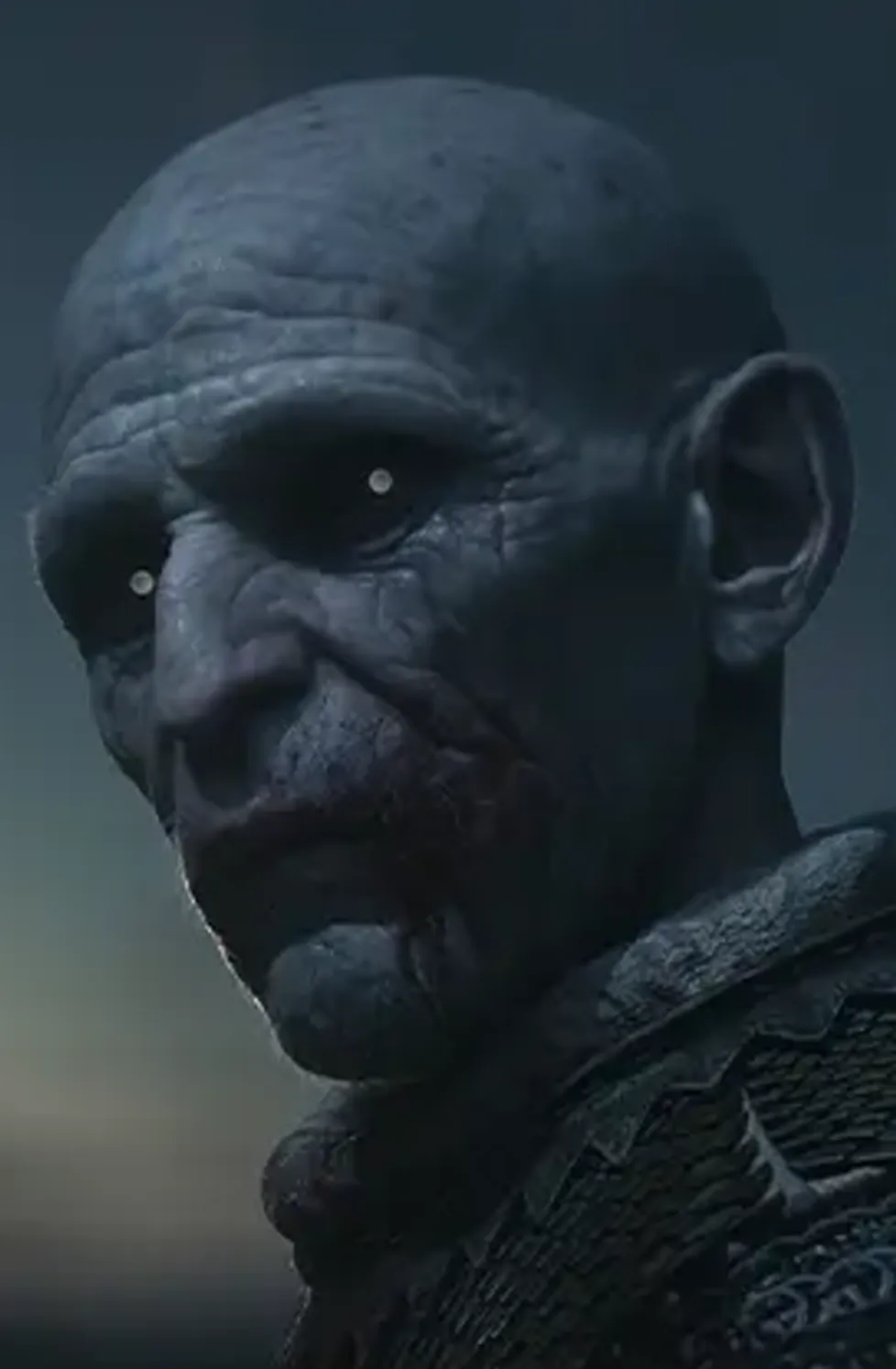
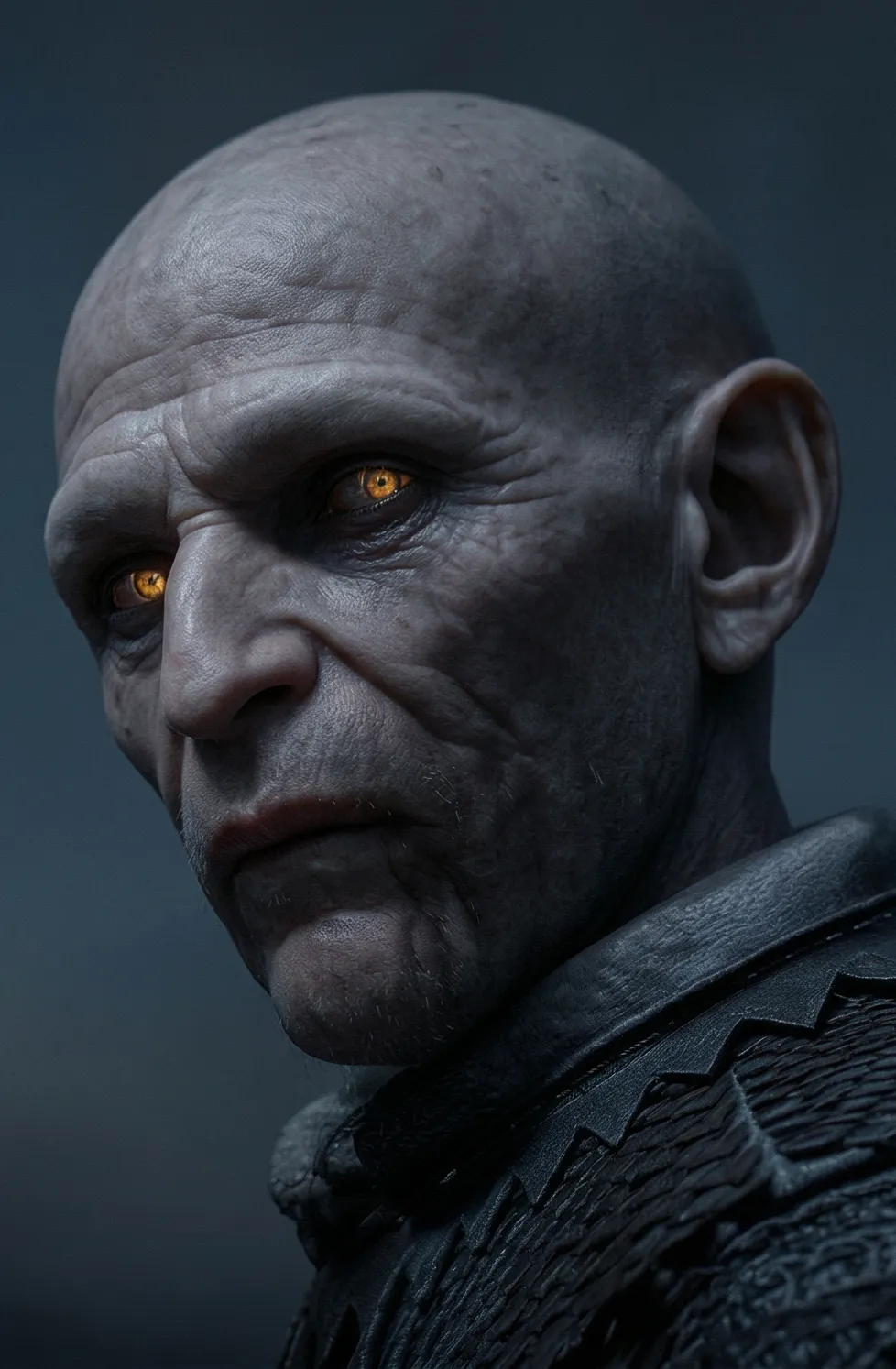
An AI image upscaler increases image resolution while attempting to preserve or improve detail, making visuals cleaner for creative, marketing and production use.
Use it when you need sharper textures, improved renders, cleaner product images or higher-resolution assets before publishing, animation or delivery.
Yes. The upscaler fits naturally alongside image editing, video generation, 3D-ready image preparation and other creative tasks available in Smart 3D.
Relevant next steps to continue the same creative workflow across Smart 3D.
Refine composition or cleanup first, then improve resolution and detail for cleaner final outputs.
Improve still image quality before turning visuals into motion content or animated sequences.
Gather references and source visuals before enhancing them with AI upscaling and cleanup.
