Generate albedo and diffuse maps with Smart 3D for texturing workflows, material creation and 3D asset production.
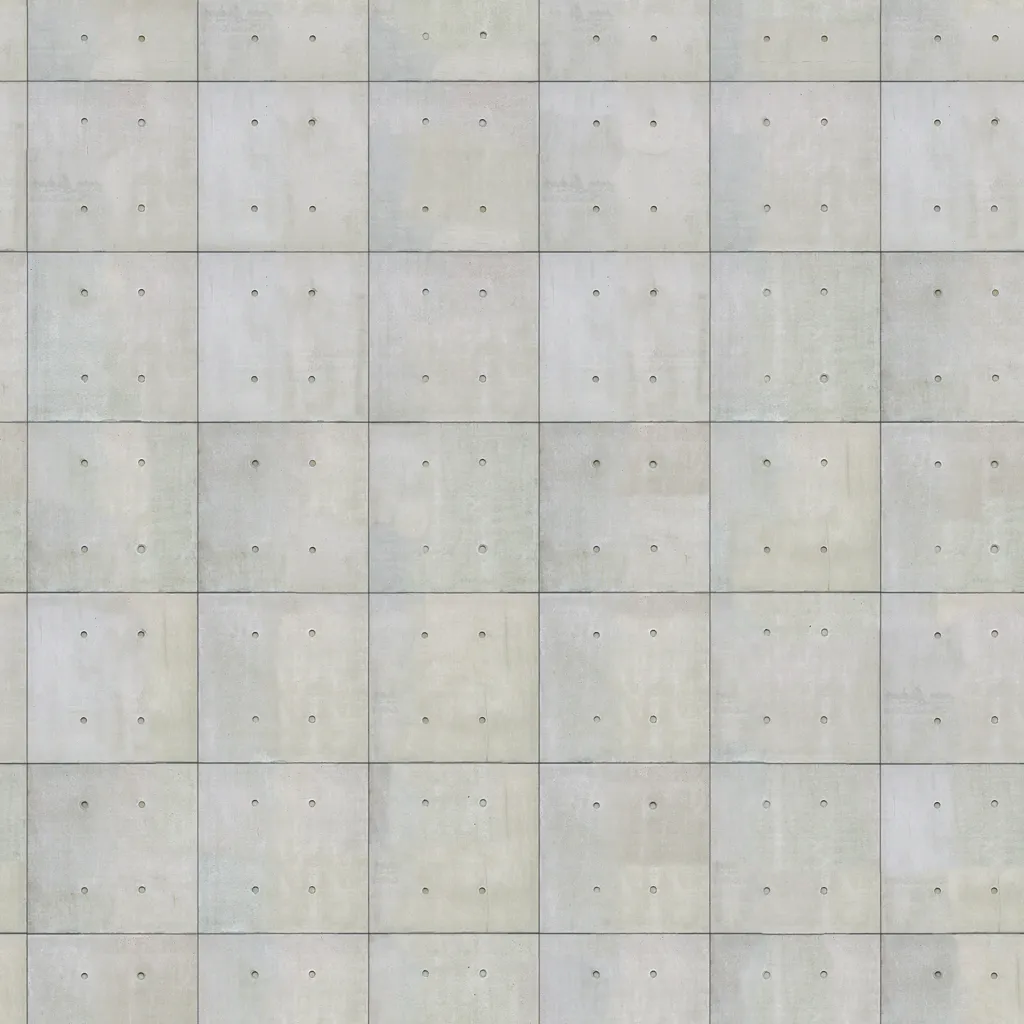
Open a concise overview of albedo and diffuse map generation, common questions and related Smart 3D tools.
Generate albedo and diffuse maps with Smart 3D for texturing workflows, material creation and 3D asset production.
Clear answers about the workflow, common use cases and what to expect from this Smart 3D tool.
An albedo map generator creates base color or diffuse texture information that can be reused in material creation, look development and 3D texturing workflows.
They provide a core texture layer that defines the visible color information of a material before adding other PBR maps, refinements and surface detail.
It is useful for artists, designers and teams preparing materials for props, environments, products and broader 3D asset pipelines.
Relevant next steps to continue the same creative workflow across Smart 3D.
Expand from base color generation into a broader prompt-driven material workflow.
Use a reference image when you want more visual context for texture-map generation.
Move textured assets into the formats needed for downstream tools, viewers and pipelines.
